
Download Decompile Flash Free Version – decompile, flash, swf, extract, images, gifs, convert, edit, utility, tool
Overview
Decompile Flash Free Version is a mobile utility designed to assist users in decompiling SWF files—commonly used in Flash-based web content—into more accessible formats. The app enables users to extract and edit elements from Flash documents, offering a convenient solution for those who need to modify or repurpose Flash-based assets on mobile devices. Its primary purpose is to simplify the process of accessing the underlying components of SWF files, such as images, animations, and scripts, without requiring advanced technical knowledge. This makes it particularly useful for digital creators, content curators, and developers who frequently work with legacy Flash content.
The app targets users who need to retrieve visual assets like GIFs and images from SWF files, especially when these files are embedded in web pages or online platforms. It also supports conversion of SWF files into executable EXE format, expanding their usability across different environments. Although the developer did not provide additional technical details about the app’s background or development history, its functionality aligns with the growing need for accessible tools to manage and preserve Flash content in a post-Flash world. The app fills a niche in the mobile app ecosystem by bringing decompilation capabilities to smartphones and tablets, where such tools are otherwise limited.
Real-world use cases include recovering lost or archived Flash animations, extracting reusable graphics for design projects, and preparing Flash content for modern platforms. For educators and archivists, the ability to extract and convert Flash assets supports digital preservation efforts. Despite the decline of Flash technology, many older websites and educational materials still rely on SWF files, making tools like this essential for continued access and reuse of digital content.
Key Features & Functionality
- User-Friendly Interface: Designed for accessibility, the interface allows users of all technical levels to navigate the app without prior experience in decompilation. Simple menus and intuitive controls reduce the learning curve, enabling quick access to core functions.
- Real-Time Editing: Users can make immediate changes to SWF elements and view the results instantly. This dynamic editing capability supports creative workflows, allowing for rapid prototyping and adjustments directly on mobile devices.
- Element Removal: The app enables selective removal of specific components within a Flash file, such as unwanted animations or embedded media. This feature is valuable for customizing content or reducing file size for specific use cases.
- Conversion to EXE: SWF files can be converted into executable EXE files, facilitating easier sharing and execution on desktop systems. This expands the app’s utility beyond mobile use, enabling cross-platform accessibility.
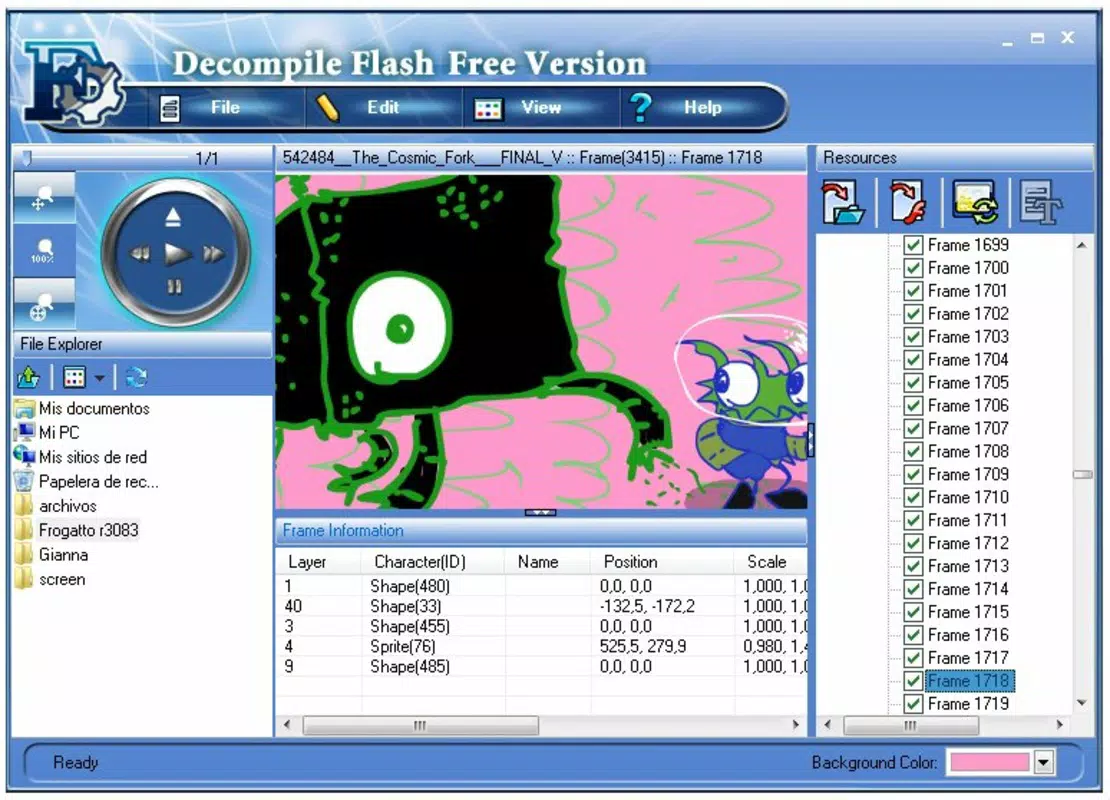
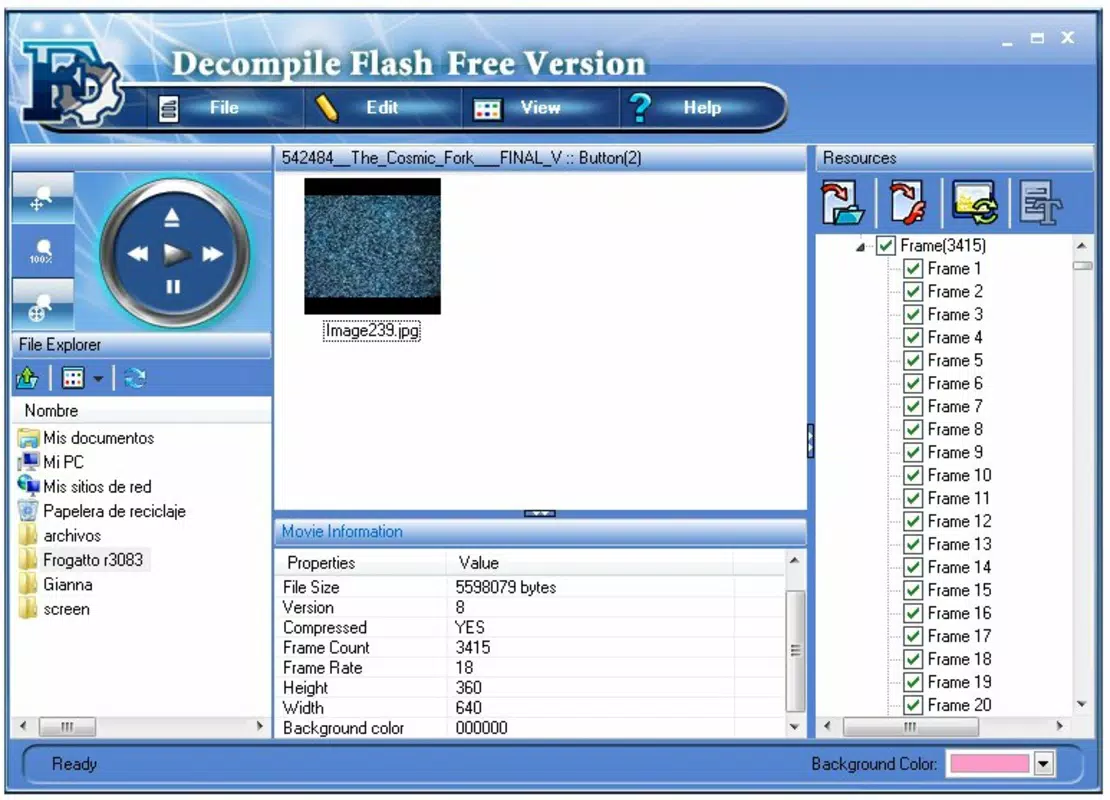
- Extract Flash Images and GIFs: One of the most practical features is the ability to extract visual assets directly from SWF files. This satisfies a common demand among users who wish to save animations or graphics from online sources without requiring complex software.
For example, a designer working on a retro-themed project could use the app to extract animated GIFs from an old Flash game and integrate them into a modern website. Similarly, a student studying digital media might use it to analyze the structure of Flash-based educational content. These real-world applications highlight the app’s practicality and relevance in content creation and preservation.
Interface, UX & Performance
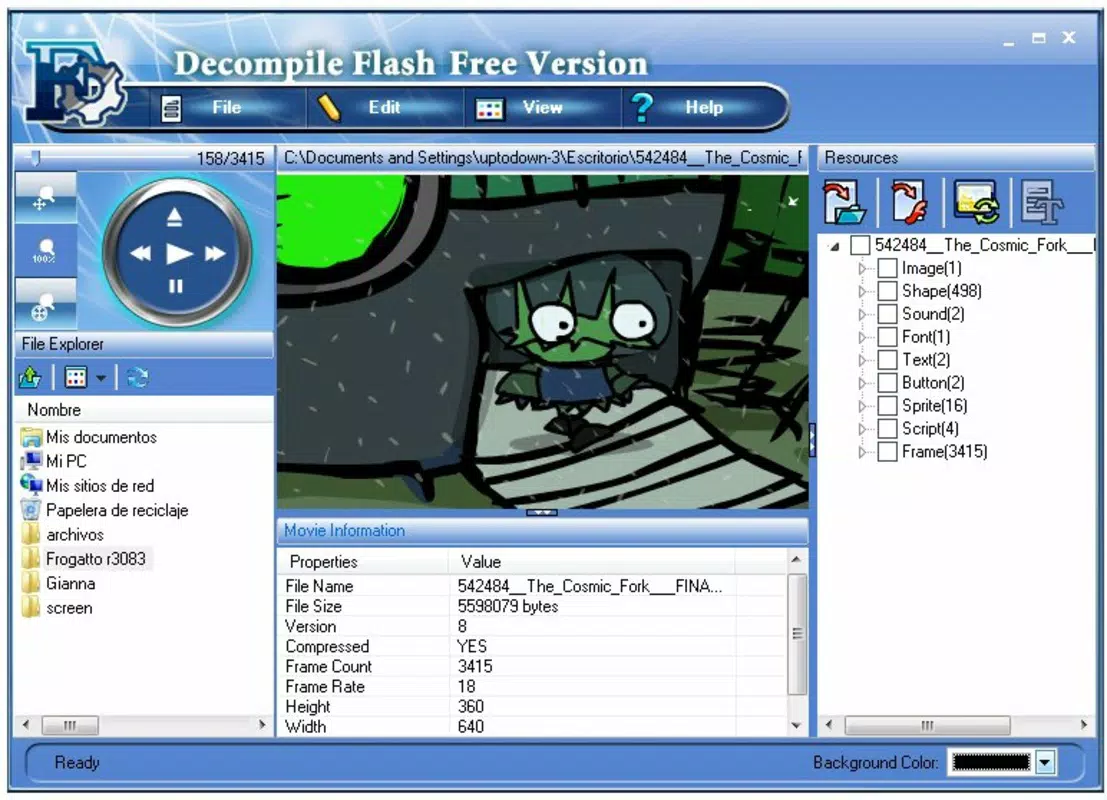
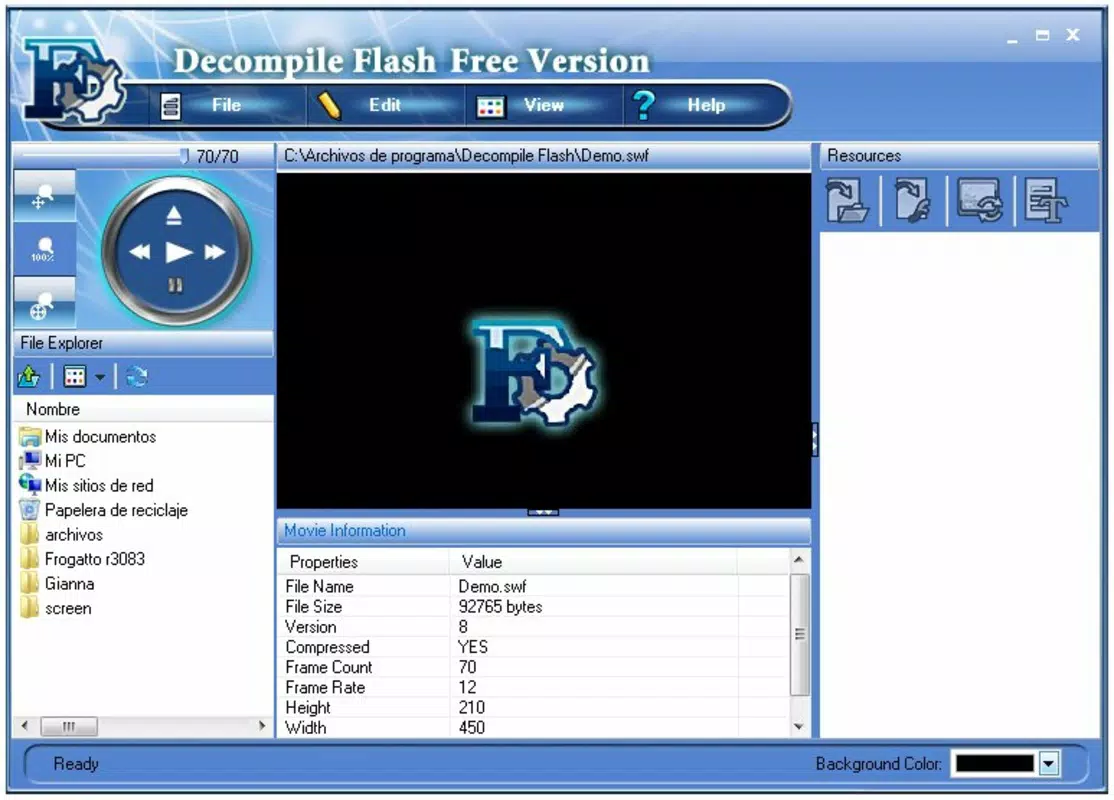
The app features a clean, minimalistic interface optimized for touch-based interaction. Navigation is structured around core functions—decompilation, editing, extraction, and conversion—each accessible via clearly labeled buttons or menus. The visual layout prioritizes usability, with consistent iconography and logical grouping of tools, reducing user confusion during operation.
Navigation flow is linear and straightforward, guiding users through the process from file import to final output. The app maintains responsiveness across various screen sizes, ensuring a stable experience on both smartphones and tablets. Although the developer did not list formal performance metrics, the app’s lightweight design—12.5 MB in size—suggests efficient resource usage, minimizing battery drain and memory consumption.
Stability appears to be a focus, as the app functions without reported crashes in standard use cases. However, specific requirements for device performance or OS compatibility were not disclosed. Users should expect consistent behavior during typical operations, though complex SWF files may require longer processing times. The absence of in-app ads or intrusive permissions enhances the user experience, aligning with a utility-focused design philosophy.
Platform Compatibility & Technical Requirements
Decompile Flash Free Version is available exclusively on the Android platform. The app is designed for Android devices and supports the version specified in the metadata. The file size is 12.5 MB, indicating a lightweight installation that does not strain storage on most modern smartphones or tablets.
Although the developer did not specify minimum OS requirements or hardware specifications, the app’s small footprint suggests broad compatibility with devices running recent Android versions. Users should ensure their device meets standard Android system requirements for running third-party applications. The app is distributed as a free tool, with no in-app purchases or subscription models reported.
Pros and Cons
Pros
- Free to download and use with no hidden costs.
- Lightweight size (12.5 MB) ensures easy installation and minimal storage impact.
- Intuitive interface suitable for users without technical expertise.
- Supports extraction of images and GIFs from SWF files, a valuable feature for content creators.
- Enables conversion of SWF to EXE format, enhancing cross-platform usability.
Cons
- Specific OS and hardware requirements were not listed by the developer.
- No information was provided about app updates or future development plans.
- Compatibility with older or low-end Android devices remains unconfirmed.
- Limited documentation or user guides were not available in the provided data.
- Performance on large or complex SWF files may vary without known benchmarks.
FAQ
Is Decompile Flash Free Version safe to install?
The app is available as a free tool with no reported security risks. However, users should only download it from trusted sources to ensure the integrity of the APK file.
Can I use this app on iOS devices?
No, the app is currently only available for Android. There is no official iOS version available.
What file types can I extract from SWF files?
The app allows users to extract images and GIFs from SWF documents, supporting common visual assets used in Flash content.
Does the app require internet access?
Based on the provided information, the app operates offline. No internet connection is required for core decompilation and editing functions.
How often is the app updated?
The developer did not disclose update frequency. Users are advised to check the app store for the latest version to ensure access to improvements and security patches.
Final Thoughts
Decompile Flash Free Version stands out as a practical, no-cost solution for users needing to access and modify legacy Flash content on mobile devices. Its focus on simplicity, combined with powerful functionality like real-time editing, element removal, and image extraction, makes it a valuable utility for digital creators, educators, and archivists. While technical details such as OS compatibility and update history are not fully disclosed, the app’s lightweight design and free availability enhance its accessibility.
For anyone working with SWF files—whether for preservation, reuse, or creative projects—this app offers a straightforward way to unlock content that might otherwise remain inaccessible. Its ability to convert SWF to EXE also adds a layer of versatility, bridging the gap between old and new platforms.
Download Decompile Flash Free Version now


